Overview
PineBridge is a Windows desktop trade execution engine for traders who want TradingView alerts to place broker orders automatically. The app receives webhook alerts, parses the signal format, resolves the target instrument, applies account-level risk rules, and submits the trade to MT5, MT4, or TradeLocker.
Architecture
Four components:
- Desktop client - PySide6 and QML interface for license activation, account setup, tunnel controls, live signal monitoring, and trade logs
- Webhook service - FastAPI server running inside a Qt worker thread, with authenticated account-specific routes for TradingView alerts
- Tunnel layer - bundled FRP client that exposes a stable branded webhook URL while execution remains local on the user's Windows machine
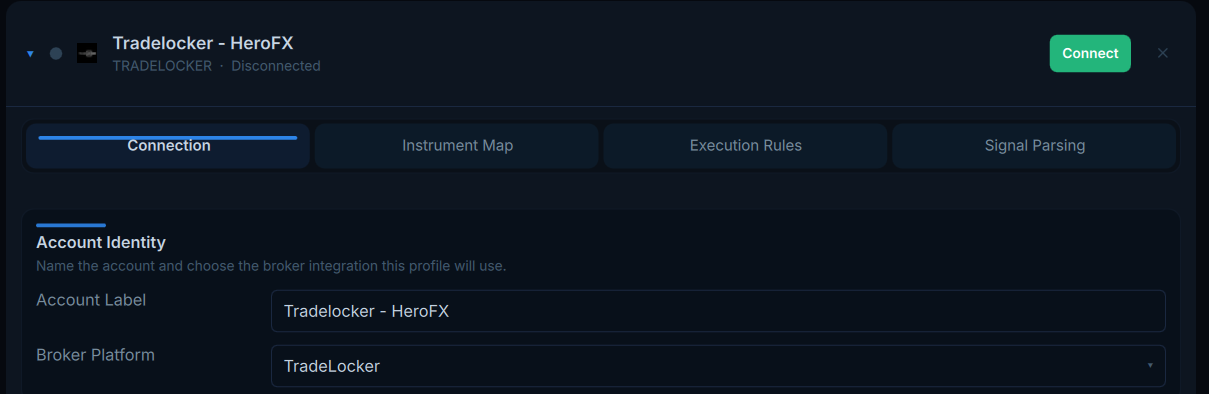
- Broker adapters - shared broker interface with implementations for MT5, MT4 through a local Expert Advisor socket, and TradeLocker through its REST API
Implementation
The app keeps long-running network and broker work off the main UI thread using Qt workers. TradingView alerts enter through the local FastAPI webhook, pass token authentication, and are dispatched back into the Qt application layer for parsing, validation, and broker execution.
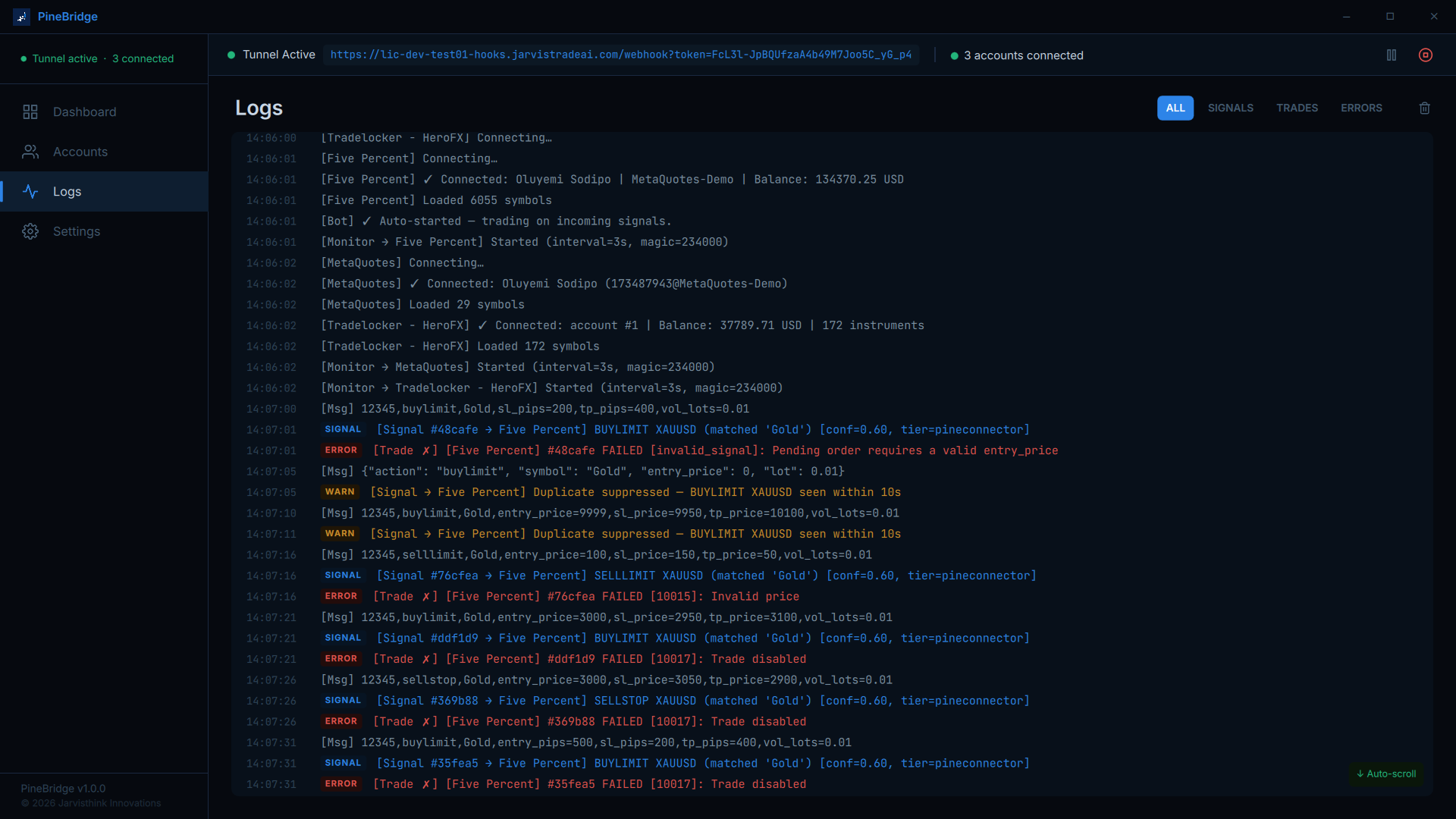
Signal parsing supports JSON, repaired JSON, key-value text, PineConnector-style CSV, and plain-text alerts. Each parsed signal receives a confidence score, symbol resolution path, and rejection reason when applicable, so ambiguous alerts can be logged instead of executed blindly.
Trade Management
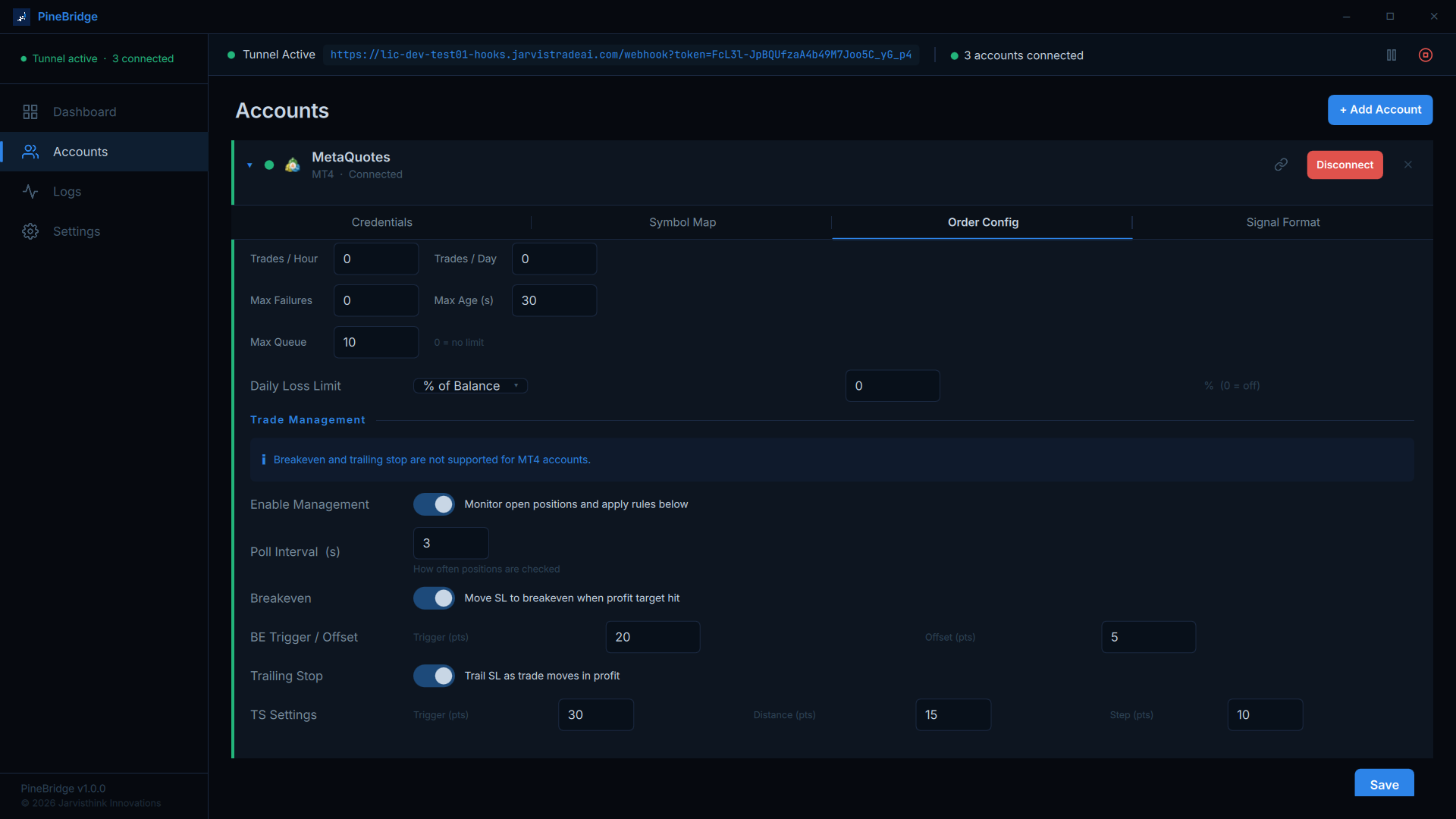
PineBridge supports fixed-lot and percent-risk sizing, symbol aliases, default SL/TP rules, pending orders, partial closes, reversal handling, duplicate suppression, and account-level limits such as max trades per hour, max trades per day, daily loss limits, signal age limits, and queue depth.
For connected MT5 and TradeLocker accounts, a background monitor can manage breakeven and trailing stop adjustments while ensuring stop losses only move in the intended direction.
Monitoring
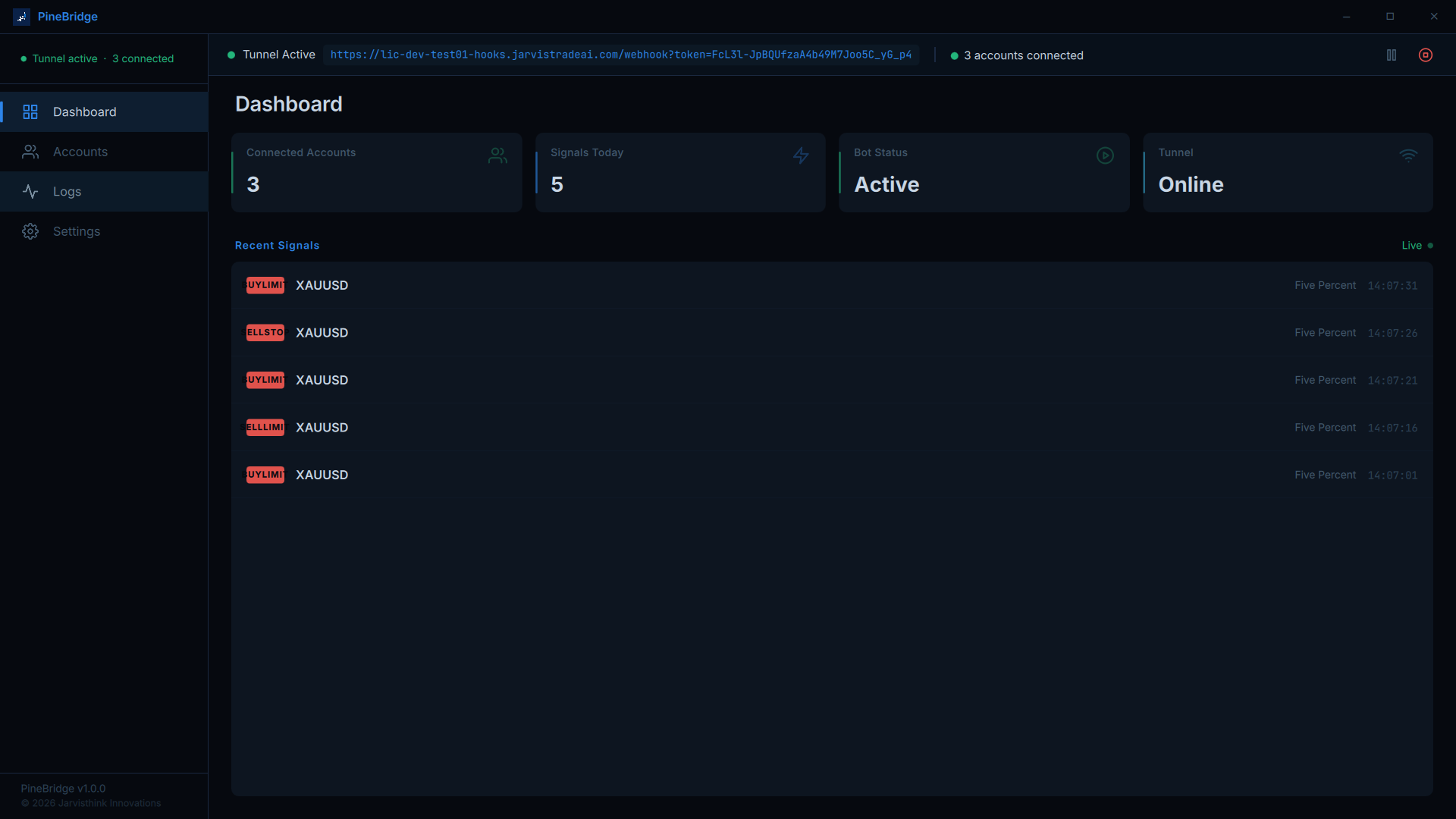
Signals, trades, broker responses, and app events are stored in a local SQLite database and shown in a live dashboard with filterable logs. The app also supports dry-run mode, CSV export, license-gated activation, persistent account configuration, and a system tray workflow for keeping the tunnel active without leaving the window open.